School pickup & bus, in one app
Every child,
safely home.
A live pickup pass for parents, photo-checked handovers at the gate, and the school bus on a live map. Built for Indian schools.
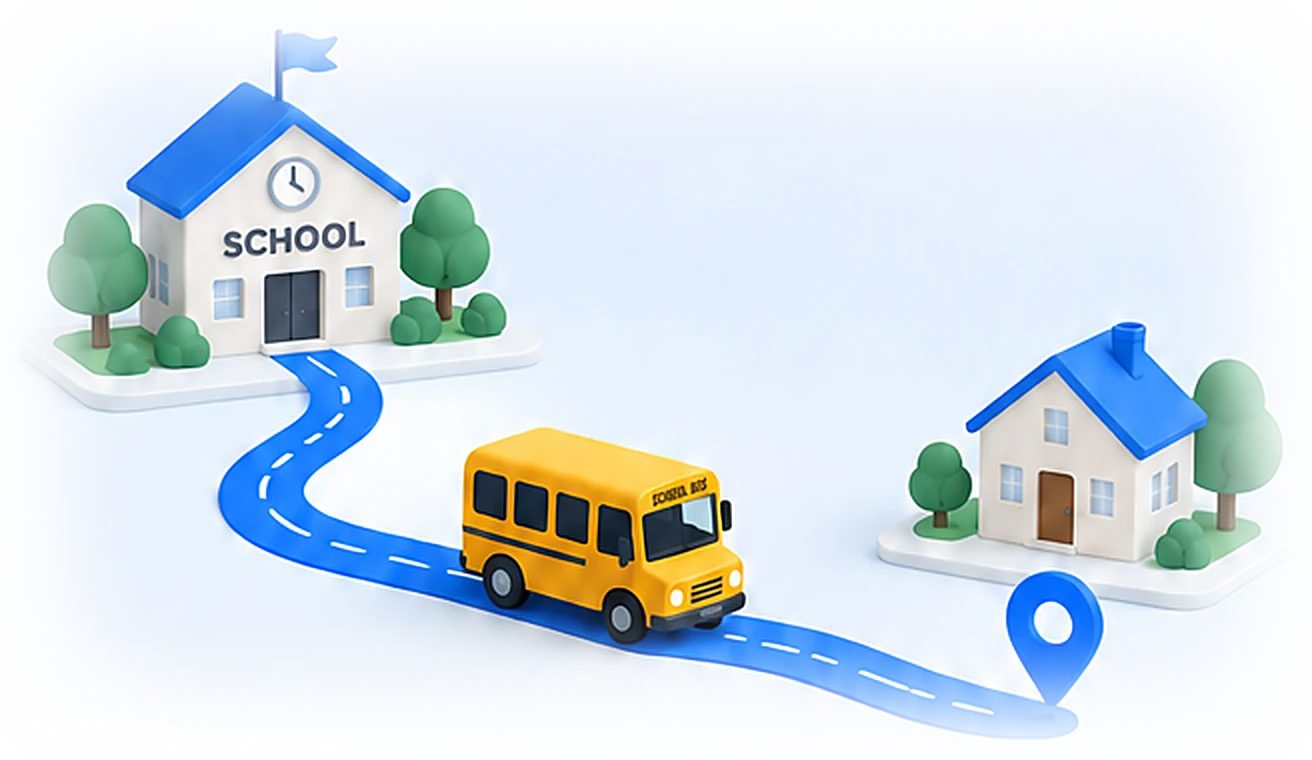
For parents
Calm afternoons, every day.
Everything a parent needs at pickup time, and nothing they don't.
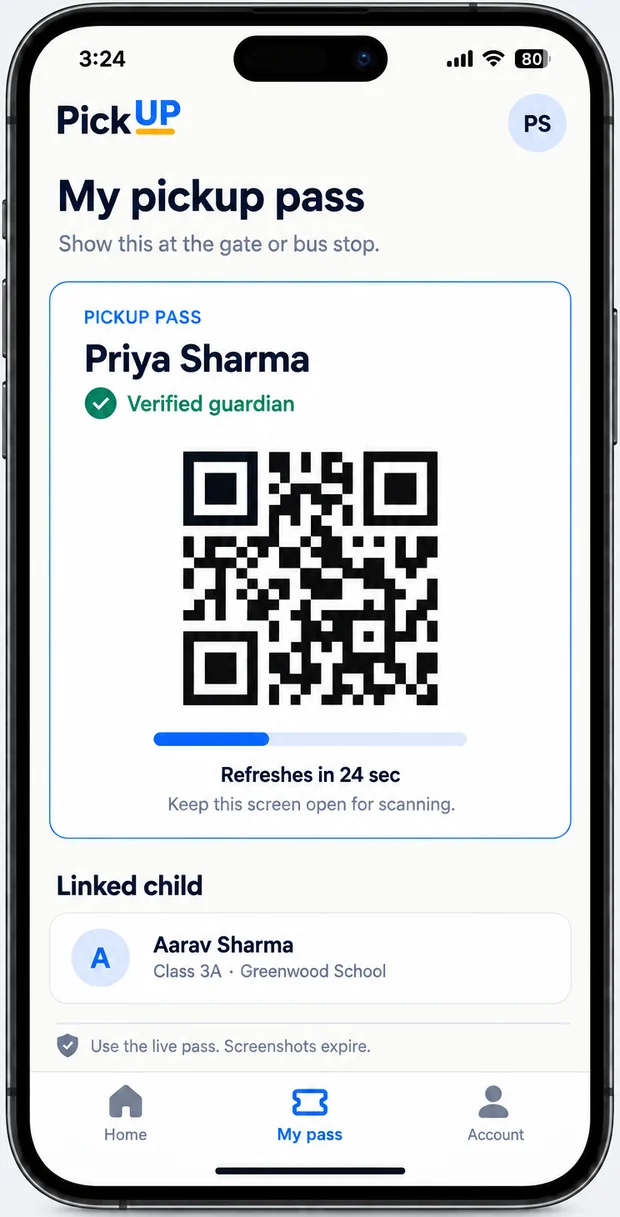
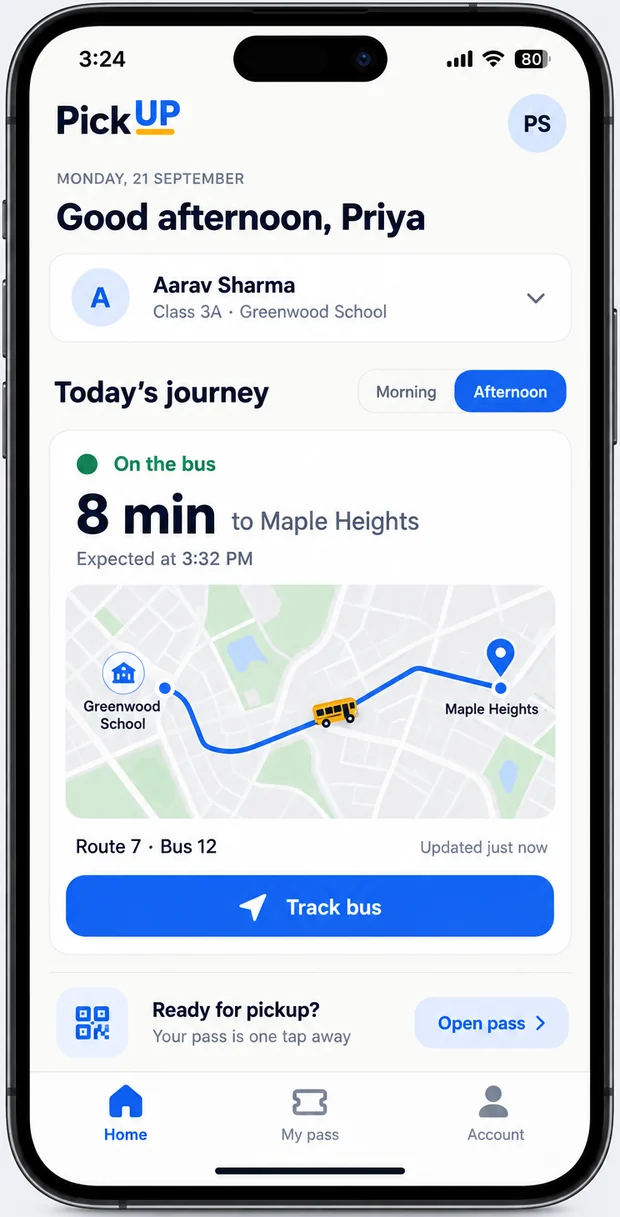
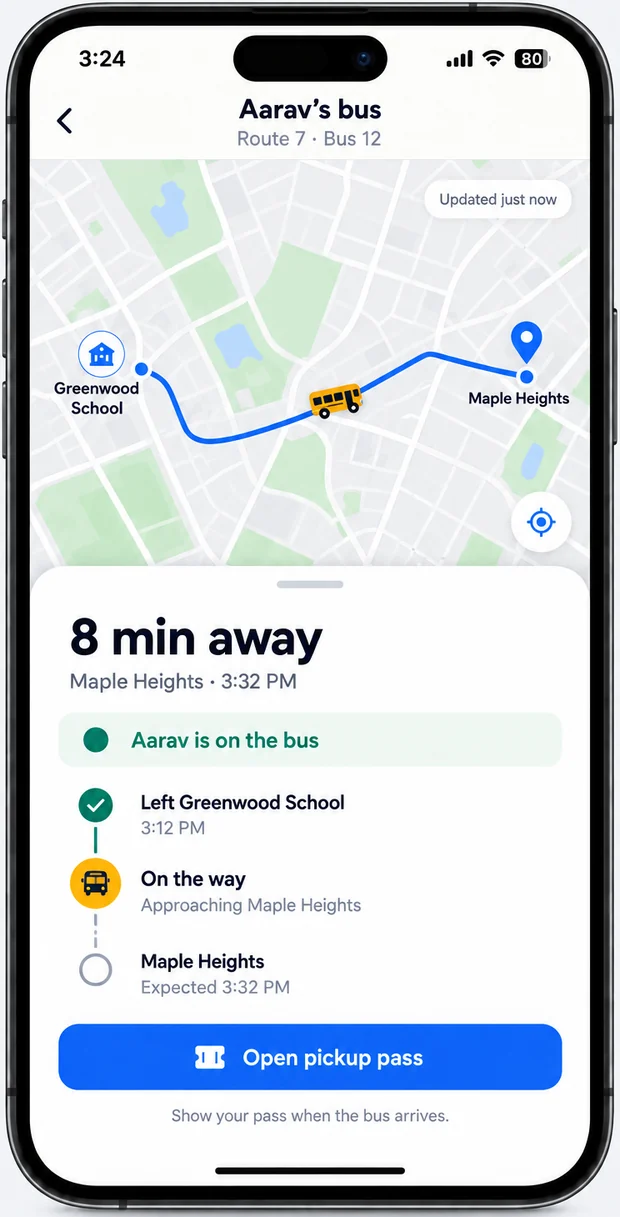
A pass that can't be copied
Your QR code changes every 30 seconds. A screenshot stops working within a minute, so only you can collect your child.
The bus, live
See where the bus is and when it reaches your stop, with an alert when it's a few minutes away.
Know the moment
Boarded, dropped, released at the gate: you're told straight away, including who collected them.
How it works
Three taps from gate to home.
Show your pass
Open PickUP at the gate or bus stop. Your live QR is on the first tab.
Staff scan & check
They see your photo and the children you can collect, then release them with one tap.
Everyone's told
The handover is logged, and every parent linked to the child gets an alert.
For schools
Run dismissal from one screen.
A staff app for the gate and bus, and a dashboard for the office.
- Scan a parent's pass and see their photo before you release anyone
- Bus attendants mark boarding and drops, with live GPS for parents
- A live board of who's still waiting, and which buses are on the road
- Import class lists from CSV, with admission numbers assigned automatically
Gate pickup · today
Safety & privacy
Built for the moment
that matters most.
Handing over a child is serious. Safety and privacy are built into how PickUP works.
Consent first
Parents agree before any of their child's details are used, as the DPDP Act 2023 requires, and can withdraw consent through the school.
Each school sealed off
Every request is checked against the school it belongs to, so no one sees another school's children.
Photos stay private
Photos are only shown to school staff, through links that expire within the hour.
Download
Get PickUP
Android apps for parents and school staff. The iPhone app is coming soon.


On Android, open the downloaded file and allow “Install unknown apps” for your browser if asked. This is a demo build: sign in with a number your school has added, and the one-time code appears on screen.

Scan with your phone's camera